Plug ClientForce Into Your
Stack — Email, Calendars,
Voice, WhatsApp, CRMs,
Automations, And More.
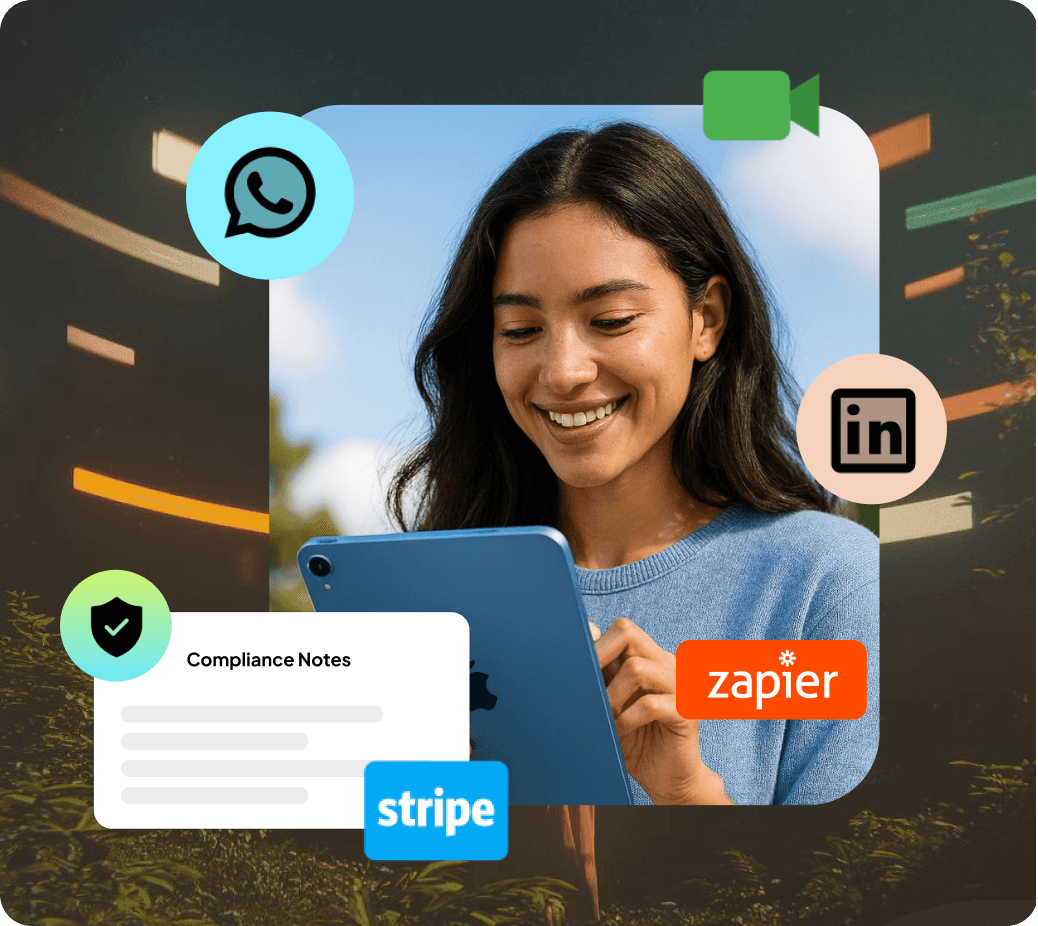
Connect inboxes, route sender pools, approve WhatsApp templates, attach voice numbers, map fields to CRMs, and automate workflows via Zapier / Make / Webhooks.
3 connected
2 connected
4 connected
6 connected
Gmail (OAuth)
Sync inbox, send from any domain, log replies to ClientForce, and track deliverability.
Outlook / Microsoft 365
Connect Outlook to send, log emails, auto-thread conversations, and track deliverability.
SendGrid / Mailgun / SES
Set up for higher throughput. DKIM/SPF verification and bounce tracking.
Stripe
Connect Stripe for payments, subscriptions, and invoicing.
Paddle
Integrate Paddle for SaaS billing and global payments.
Paypal Checkout
Enable PayPal for fast, secure checkout.
How connections power your Agents
- 1. Connect once:OAuth, API key, or webhook URL. We guide setup with inline checks.
- 2. Map fields:Match names/phones/custom fields so Agents can personalize correctly.
- 3. Assign to agents:Choose which senders, calendars, and numbers each Agent can use.
- 4. Monitor health:Deliverability, number reputation, and template approval status.
- 5. Automate events:Trigger zaps or webhooks on new lead, reply, booking, proposal viewed, paid.
How connections power your Agents
Security & Permissions
OAuth wherever possible, scoped API keys, per-agent permissions, and audit logs. Email uses DKIM/SPF; WhatsApp templates require approval; voice adheres to DNC rules. You control access per workspace and client.
Don't see your tool?
Use Webhooks/Zapier or request a native integration. Popular requests fast-tracked each cycle.
Connect your stacks in minutes
From inboxes to Voice to webhooks- your Agents work where you already do.